To switch ATS safely: pick a cut-over date between hiring peaks, export all candidates, jobs, notes and attachments from the old system, clean and map the data to the new system's fields and stages, import and spot-check, re-publish live jobs with new apply links, train the team, then run both tools in parallel for 1–2 weeks before closing the old one. Most small teams can do it in about four weeks.
- Export everything first. Some vendors restrict exports once a contract ends.
- Map pipeline stages before importing, or candidates land in the wrong place.
- Update every job-board apply link on cut-over day.
- Handle candidate consent and retention (GDPR / DPDP) during migration. Don't import data you're no longer allowed to keep.
When should you switch your ATS?
Common triggers: paying for interviewer seats you can't afford, missing job-board integrations (e.g., Naukri in India), no onboarding, poor hiring-manager adoption, or a vendor sunsetting the product. If two or more apply, a switch usually pays back within a quarter.
The 4-week ATS migration plan
Week 1: Plan and export
- [ ] Choose the new ATS (see ATS comparison) and a cut-over date outside your busiest hiring week.
- [ ] List what to move: active jobs, candidates (active and talent pool), resumes and attachments, notes and scorecards, email templates, offer templates, users and roles.
- [ ] Export from the old ATS: candidates CSV/XLSX, resumes (ZIP), jobs, notes. Check that attachments are included.
- [ ] Check your contract end date and data-retention terms with the old vendor.
Week 2: Clean and map
- [ ] Remove duplicates (same email/phone).
- [ ] Drop candidates past your retention period or without valid consent (DPDP/GDPR).
- [ ] Standardise source names ("Naukri", "naukri.com" → "Naukri").
- [ ] Map fields: old field → new field (name, email, phone, current CTC, notice period, location, source, tags).
- [ ] Map stages: old pipeline stages → new pipeline stages.
- [ ] Set up the new ATS: users, roles, hiring stages, scorecards, email and offer templates, careers page branding.
Week 3: Import, test and re-publish
- [ ] Import a test batch of 50 candidates; spot-check 10 profiles, including resumes and notes.
- [ ] Import the rest.
- [ ] Recreate active jobs and re-publish to every channel (careers page, LinkedIn, Indeed, Naukri, Google for Jobs).
- [ ] Update apply links on job boards, your website and social posts.
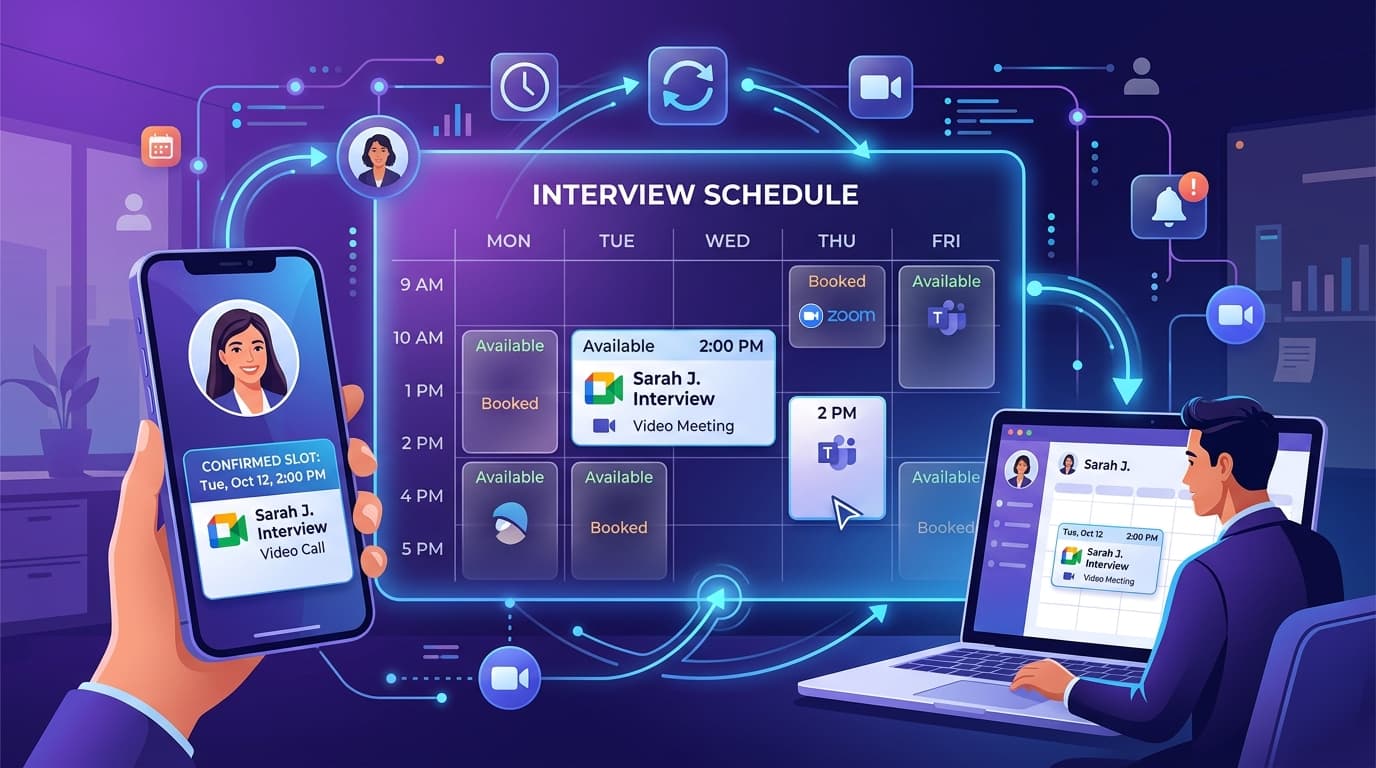
- [ ] Set up integrations: calendars, video, Slack/Teams, WhatsApp, payroll webhook.
Week 4: Train, run in parallel, retire
- [ ] 30-minute training for recruiters; 10-minute walkthrough for hiring managers and interviewers.
- [ ] Run both systems in parallel for 1–2 weeks: new applicants go only to the new ATS; finish in-flight interviews wherever is least disruptive.
- [ ] Final export from the old system for your records (store securely, apply retention).
- [ ] Cancel the old subscription and remove user access.
Field mapping template
| Old ATS / spreadsheet column | New ATS field | Notes |
|---|---|---|
| Candidate name | First name / last name | Split if needed |
| Unique key for de-duplication | ||
| Phone / WhatsApp | Phone | Add country code (+91) |
| Applied for | Job | Match to recreated job |
| Status | Stage | Use the stage mapping |
| Source | Source | Standardise names |
| Current CTC / expected CTC | Custom fields | — |
| Notice period | Custom field | — |
| Resume file | Resume attachment | Re-parse after import |
| Notes | Notes / activity | Keep date + author |
| Consent date | Consent field | Required for DPDP/GDPR retention rules |
Moving from spreadsheets instead of an ATS?
It's simpler: one sheet becomes one import file. Add a column for stage and source, de-duplicate, and import. Read [ATS vs spreadsheets](/compare/oneats-vs-spreadsheets).
What are common ATS migration mistakes?
- 1Importing before mapping stages, so every candidate ends up in "New".
- 2Forgetting resumes and attachments in the export.
- 3Leaving old apply links live on job boards.
- 4Importing candidates whose retention period has expired.
- 5No hiring-manager training, which leads to low adoption and feedback outside the system.
How does OneATS help you switch?
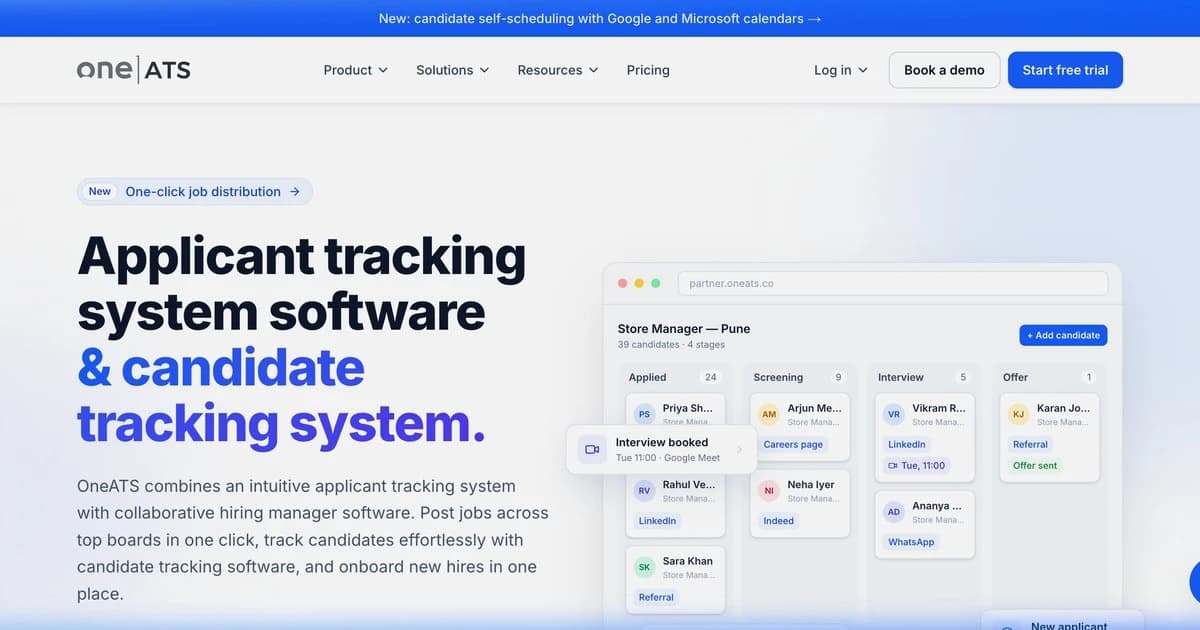
OneATS imports candidates from CSV/Excel, re-parses resumes into profiles, and lets you recreate stages and scorecards before importing CSV and Excel files, PDF and Word resumes. Enterprise plans include guided onboarding and data import. Interviewers and hiring managers are free, so you can invite the whole panel on day one. Coming from a specific tool? See OneATS vs Zoho Recruit, vs Freshteam, vs Keka, vs Workable.
Frequently asked questions
How long does it take to switch ATS? For a small or mid-size team, about 2–4 weeks: one week to plan and export, one to clean and map, one to import and re-publish, and one to train and run in parallel.
Will I lose candidate data when switching ATS? Not if you export candidates, resumes, notes and attachments before your old contract ends, and spot-check the import.
Can I import candidates from Excel into an ATS? Yes. Most ATS tools, including OneATS, import CSV or Excel files with a field-mapping step.
What about candidates' consent when migrating? Only migrate data you're still allowed to keep under your privacy notice and laws like GDPR or India's DPDP Act, and carry over consent dates.
Editorial Integrity & Sourcing: All articles are authored and verified by our recruitment operations and engineering team. Product details verified against the OneATS product in November 2026. Job-board connections work as described on each integration page.

Pankaj Mukadam is the Head of Product at OneATS. With deep expertise in talent acquisition infrastructure and recruitment operations, he leads product architecture and hiring workflows at OneATS, helping companies streamline recruitment across India and globally.