
Attract · Careers site & widget
A careers page you’re proud to share
Tell your story with ready-made sections, show every open role with search and filters, and let candidates apply in two minutes without an account. No designer or developer needed.
Live in minutes
Start from a template, add your logo and colour, and publish. Your careers page is ready to share straight away.
Embed anywhere
Copy one snippet to show your open jobs on your own website.
Found on Google
Every job includes Google for Jobs structured data, so it can appear in search.
Live example
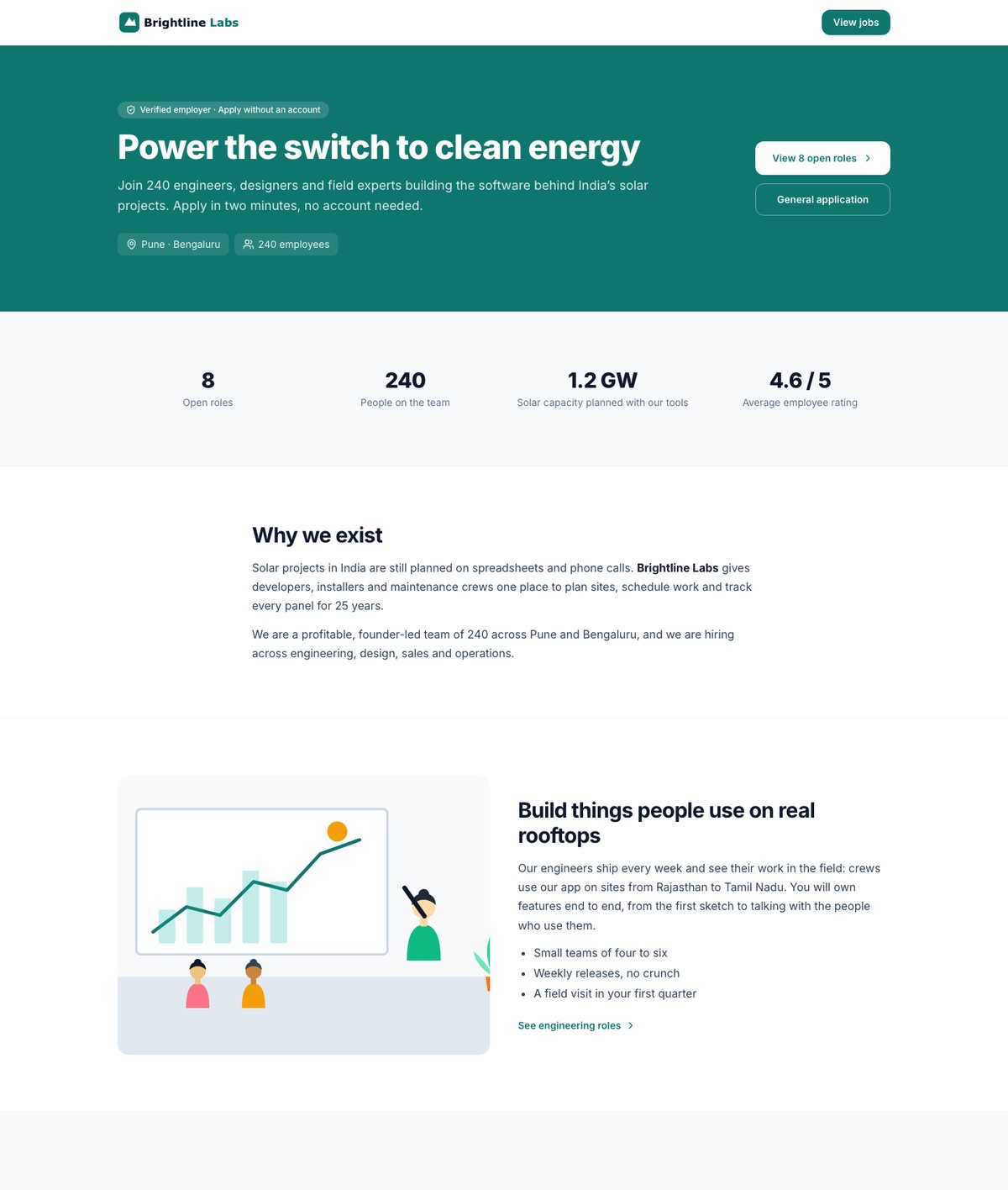
See a finished careers page
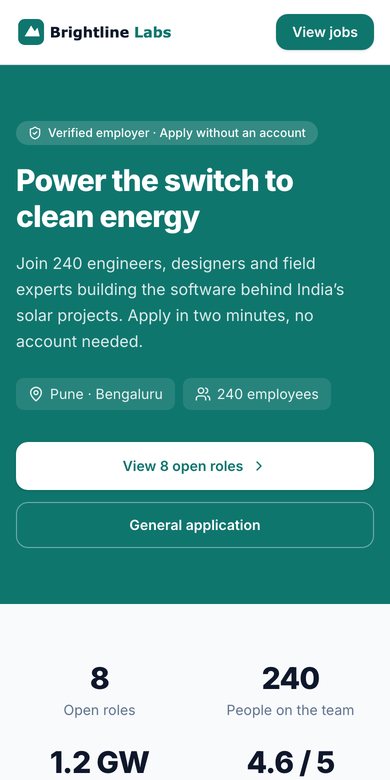
Brightline Labs is a made-up company. Its page uses every section you can add, with the same design your candidates will see.
- 18 section types, from hero to FAQ
- Your logo, colour, font and button style
- Jobs with search, filters and salary
- Built for phones first
Page builder
Build your page from ready-made sections
Pick from 18 sections — story, numbers, values, perks, photo gallery, video, employee quotes, team, offices, hiring steps, FAQ and more — and arrange them by dragging. You see the real page as you edit, on desktop or phone, and nothing goes live until you publish.
- Drag-and-drop sections with a live preview
- Templates for startups, manufacturing and campus hiring
- Version history: go back to any published page
Branding
Your brand, not ours
Set your logo, brand colour, font and button style, your own share image and your own address. We check contrast and alt text so the page stays readable for everyone.
- Logo, colour, font and button style
- Your own careers address, with old links redirected
- Accessibility checks before you publish
Widget
Show open jobs on your own website
Paste a JavaScript snippet or iframe into your site and your open jobs stay in sync automatically. Applicants from the widget are tagged as such in your source reports.
- JavaScript widget or iframe
- Always in sync with OneATS
- Applications attributed to your website
Apply
Fast apply, built for phones
Candidates apply with a resume in about two minutes, without creating an account, and get a link to check their application’s status.
- Resume autofill
- Resume upload from phone
- Status link by email, no password
How it works
Careers site & widget in 3 steps
- 1
Pick a template
Start from a layout and add your logo, colour and story.
- 2
Add your sections
Photos, perks, team, hiring steps and FAQ. Preview, then publish.
- 3
Share or embed
Share your careers link, or add the jobs widget to your website.
Frequently asked questions
Do candidates need to create an account to apply?
No. Candidates can quick-apply without an account. Creating one lets them track applications and complete onboarding later.
Can I use my own domain for the careers page?
Your careers page lives at a OneATS address you choose, like /your-company, and you can embed your jobs on your own website with the widget. Custom careers domains are on our roadmap.
Do I need a designer to build the page?
No. You build it from ready-made sections in a form, with a live preview. Every section works on phones without extra effort.
Is the careers page mobile friendly?
Yes. Both the careers page and the apply flow are designed for phones first.
Related features
Job distribution
Publish one job to Naukri, LinkedIn, Indeed, Google for Jobs, social pages and WhatsApp in one step.
Hiring pipeline
A visual board for every job, resume parsing, email-to-applicant and a searchable talent pool.
Analytics
Funnel, source, speed, interviews, recruiter and offer reports built on real events.
Start hiring better today
Free plan available. No credit card required. Set up in minutes.