In India, many candidates check WhatsApp long before they open an email, especially for store, field, sales and early-career roles. That makes WhatsApp useful for recruitment, but only if it's used the way WhatsApp allows: with the candidate's permission, through approved message templates, and without bulk blasts.
Why candidates answer WhatsApp
- It's already open on their phone, so a reminder is seen.
- Replying takes one tap, instead of finding an email and writing back.
- It works for candidates who rarely use email at all.
None of this means email goes away. Email is still the right place for offer letters, documents and anything long. WhatsApp works best for short, time-sensitive messages.
WhatsApp Business app vs the WhatsApp Business Platform (API)
| WhatsApp Business app | WhatsApp Business Platform (API) | |
|---|---|---|
| Who sends messages | A person, from one phone | Your systems, such as your ATS |
| Automated reminders | No | Yes, with approved templates |
| Replies stored on the candidate record | No, they stay on the phone | Yes, if your ATS supports it |
| Several recruiters on one number | Limited | Yes |
| How you connect | Install the app | Meta's Cloud API directly, or a provider such as Gupshup |
If you want reminders to go out automatically and replies to land on the candidate's profile, you need the Business Platform, connected to your ATS.
Consent and quiet hours
Meta's WhatsApp Business Policy says you may only message people who have given you their number and agreed to receive messages from you, and that opt-in should make clear it's your business contacting them. For recruitment, the natural place to ask is the application form: a clear checkbox such as "Send me updates about my application on WhatsApp".
Respect the time of day too. Nobody wants an interview reminder at midnight. Set quiet hours and hold messages until the morning.
Templates and the 24-hour window
WhatsApp separates two kinds of messages (Meta's documentation):
- Template messages: pre-approved by Meta, and the only kind you can send to start a conversation or message someone after a long gap. Interview invitations and reminders are templates.
- Free-text replies: allowed only within 24 hours of the candidate's last message to you. Each new message from them restarts the 24 hours.
In practice: get your templates approved before you go live, and reply quickly when a candidate writes back. Meta's pricing for business messages changes from time to time, so check Meta's pricing page before you budget.
What to automate
- Interview invitations and reminders, with one-tap buttons to confirm or ask to reschedule.
- Offer reminders when an offer is close to expiring.
- Onboarding nudges when joining documents are still missing.
For timing and wording, see our guide to WhatsApp interview reminders, which includes copy-ready messages.
What not to do
- Don't message candidates who haven't opted in, even if you have their number from a CV.
- Don't send bulk job blasts to everyone in your database.
- Don't use a recruiter's personal WhatsApp for candidate conversations. Nothing gets recorded, and the conversation leaves with the recruiter.
- Don't put sensitive details such as salary or ID numbers in WhatsApp messages. Link to a secure page instead.
Getting your WhatsApp Business number ready
- 1Use a dedicated number for recruiting, not a recruiter's personal phone. Candidates should see your company name.
- 2Set up a Meta business account (Business Manager) and verify your business if Meta asks you to.
- 3Choose how to connect: directly through Meta's Cloud API, or through a provider such as Gupshup that manages the connection for you.
- 4Submit your message templates for approval before you plan to use them.
- 5Connect the number to your ATS so messages are sent from candidate events and replies are stored on the record.
Writing templates that get approved
- Keep each template to one purpose: an interview invitation, a reminder, an offer reminder.
- Use placeholders for the details that change, such as the candidate's name, the role and the time.
- Write it as a service message about the candidate's application, not as marketing.
- Avoid vague wording; say exactly what the message is about and what the candidate should do.
Who replies, and when
Once candidates can reply, someone has to read the replies. Decide who owns WhatsApp conversations for each job (usually the recruiter), and aim to reply within the 24-hour window while you can still send free text. Questions you hear repeatedly ("Is parking available?", "Can I bring my documents later?") belong in your templates or on the job page.
Keep sensitive details out of chat
Don't ask candidates to send ID documents, bank details or salary slips on WhatsApp. Send them a secure link to upload documents instead, where access is controlled and every view can be logged. The same applies to offer letters: send a link to the offer, not the PDF.
Setting it up in OneATS
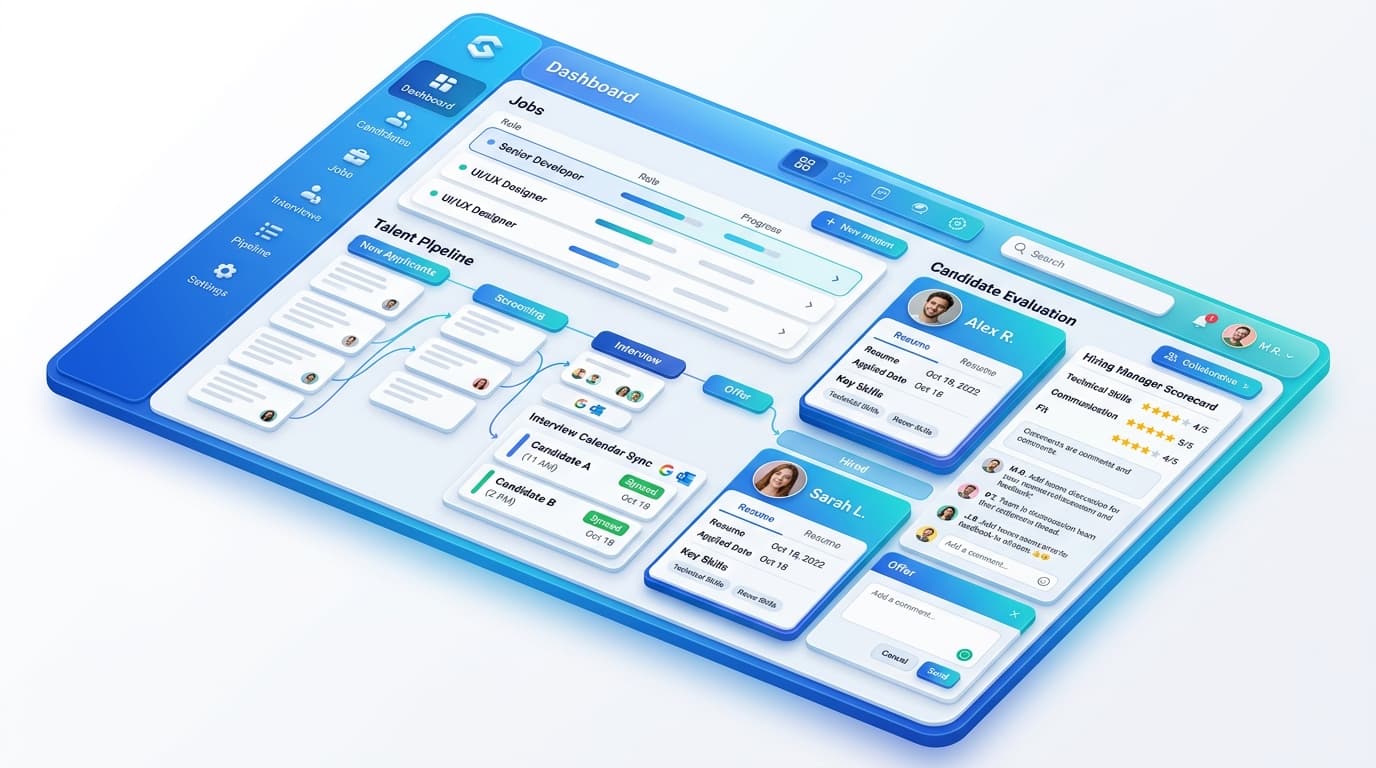
OneATS connects to your own WhatsApp Business number through Meta's Cloud API or Gupshup. Candidates choose WhatsApp updates when they apply, and messages to anyone who hasn't opted in are refused. Nothing is sent between 9 pm and 8 am; it waits until morning. Interview invitations and reminders (24 hours, 2 hours and 1 hour before) go out automatically, and candidate replies appear in the Messages tab next to every email.
Editorial Integrity & Sourcing: All articles are authored and verified by our recruitment operations and engineering team, vetted against primary regulatory documentation (such as India's DPDP Act, 2023 and EPFO/ESIC guidelines) and direct job portal APIs before publication.

Pankaj Mukadam is the Head of Product at OneATS. With deep expertise in talent acquisition infrastructure and recruitment operations, he leads product architecture and hiring workflows at OneATS, helping companies streamline recruitment across India and globally.